Build a QR library, not just one-off codes
QrPilot helps you create QR codes, keep them organised by category, and bring them back whenever you need to share, print, download or reuse them.
QR library preview
Saved QR codes stay ready to open again.
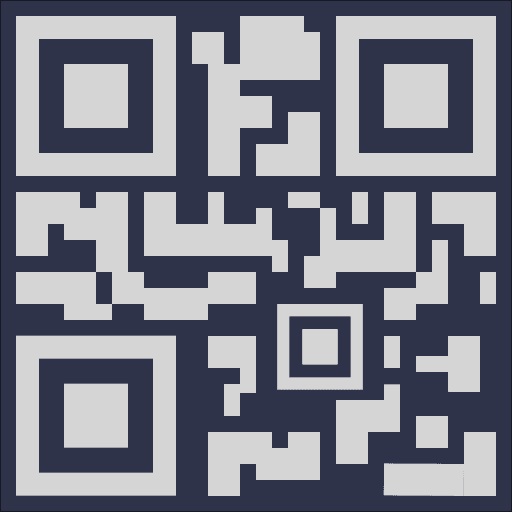
Sunday Menu
Businessqrpilot.app/menu/sunday
Wi-Fi Access
Personalqrpilot.app/wifi/home
Portfolio Link
Workqrpilot.app/p/andrew
Keep repeat-use QR codes organised
Open menus, Wi-Fi links and shared pages again without rebuilding them.
Core features
What QrPilot helps you do
Create and save QR codes
Make QR codes for menus, forms, review links, Wi-Fi access and everyday sharing, then keep them saved in one place.
Organise with categories
Group saved QR codes by purpose so business, event, work and personal links stay easy to find.
Share and download easily
Open saved QR codes again whenever you need to share, print, export or update them without starting over.
Product preview
See how the QR library stays usable
QrPilot is built for the moments when the same QR needs to stay easy to find, update, download and reuse over time.
Example library workflow
Saved + reusableCreate once
Generate a QR code for a menu, review page, event form or shared link.
Save and organise
Keep it labelled and grouped so it stays easy to find later.
Open again when needed
Return to the same QR for printing, downloading, sharing or updating.
Start your QR library
Create a QR code, keep it organised, and bring it back whenever you need it.